With ReachMyTeach you can always directly respond to any message from a teacher by replying to the email or text you received. If you are a multilingual family, you will see all messages in English and your preferred language, you can respond in whichever language is most comfortable.
If you would like to start a message with a teacher, or see all of the messages you have been sent from educators you can go to www.reachmyteach.com/login to use the parent portal.
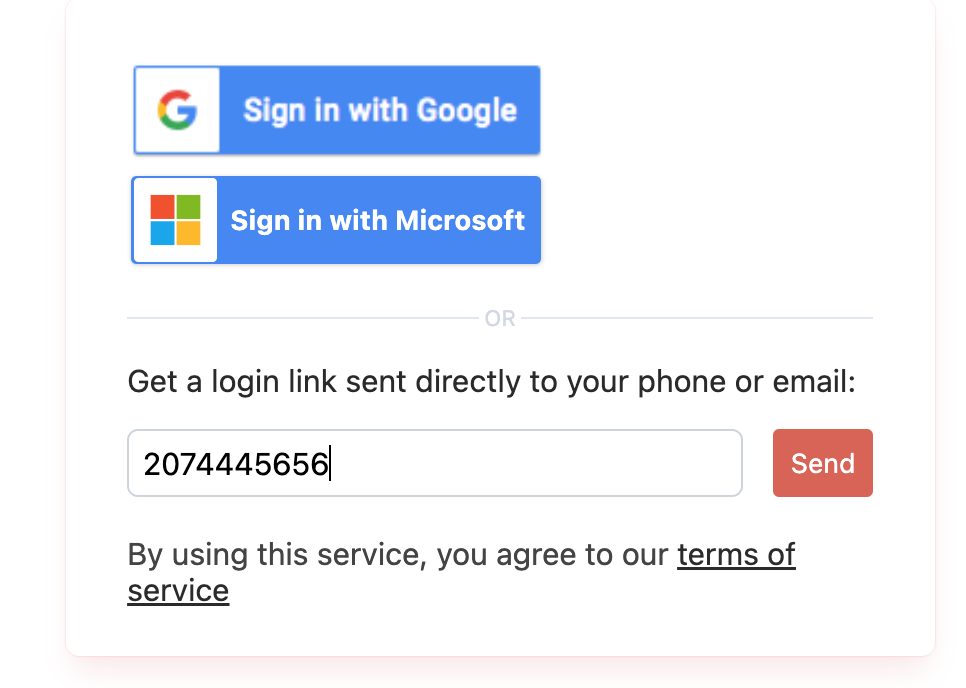
Begin by signing in with your email or phone number. If you have Gmail or Outlook you can sign in by pressing the button. If you have another email provider, or prefer to use your phone number, just type that in.
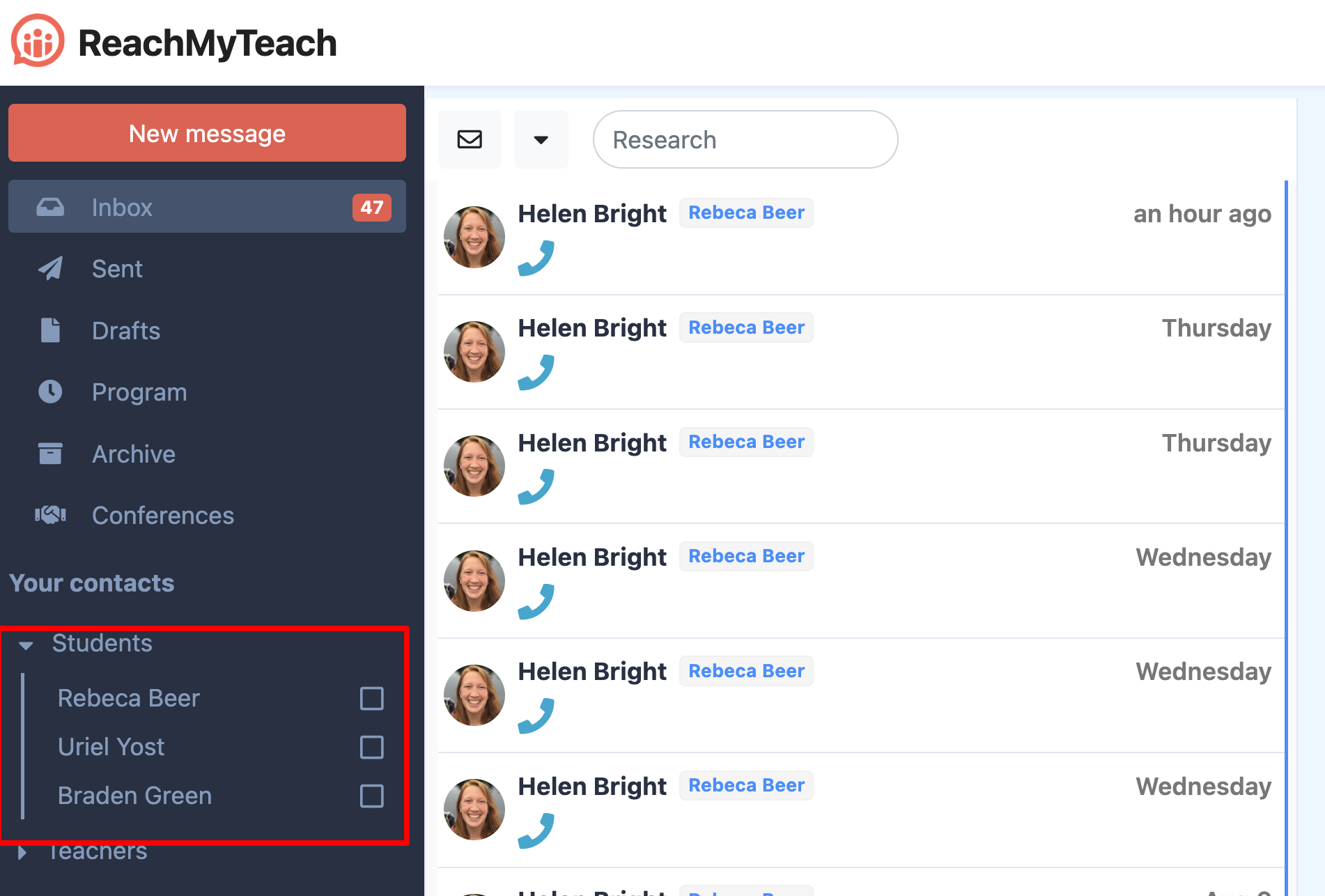
Once in the portal, you can see all the messages from educators in your inbox.
You will see your students on the left hand side and can filter by messages to specific students if you have more than one student enrolled. You will also be able to see teachers your students have, and filter messages by student.
To start a message click "New Message"
Choose which contact method you would like to receive a response through.
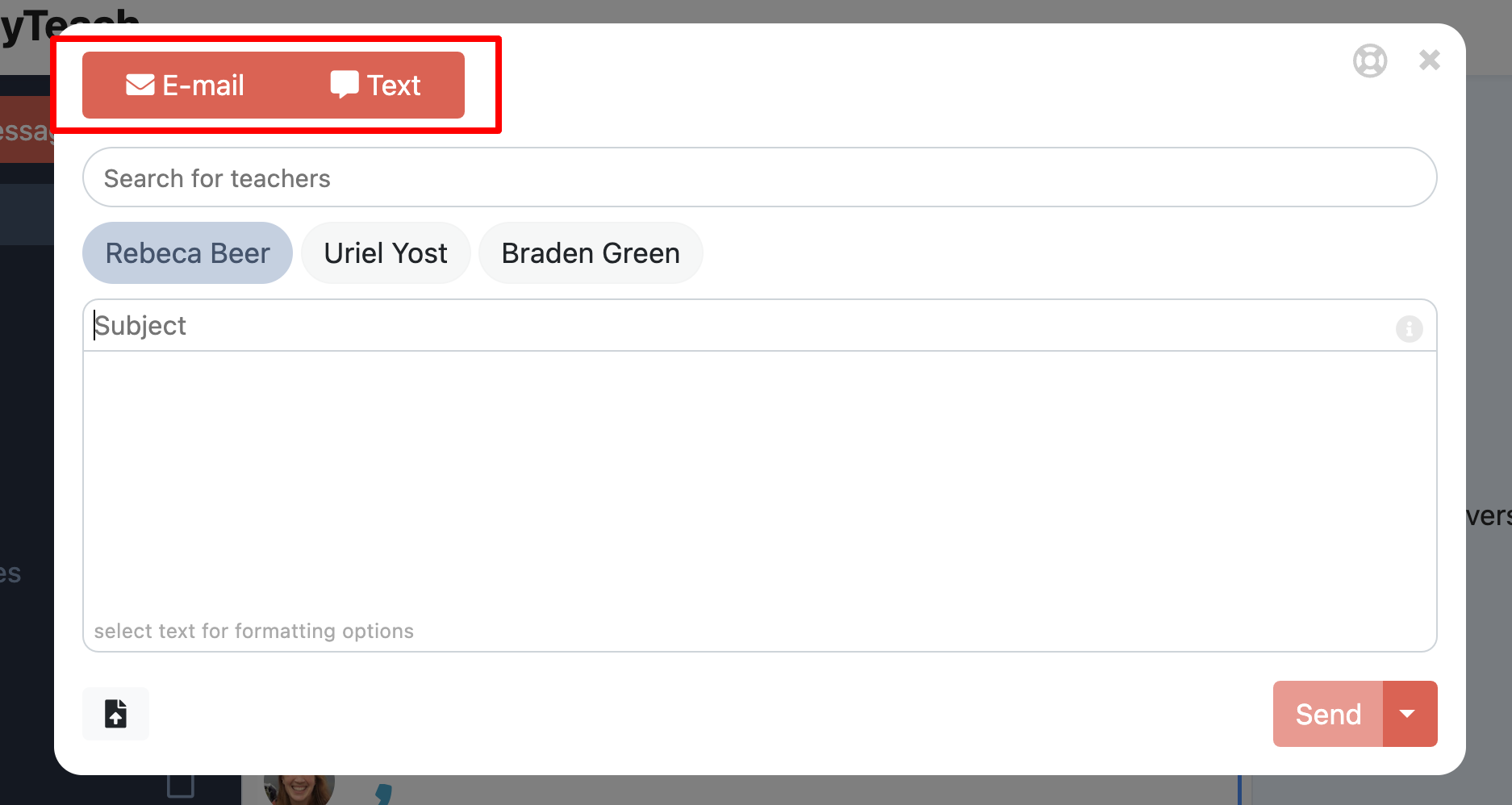
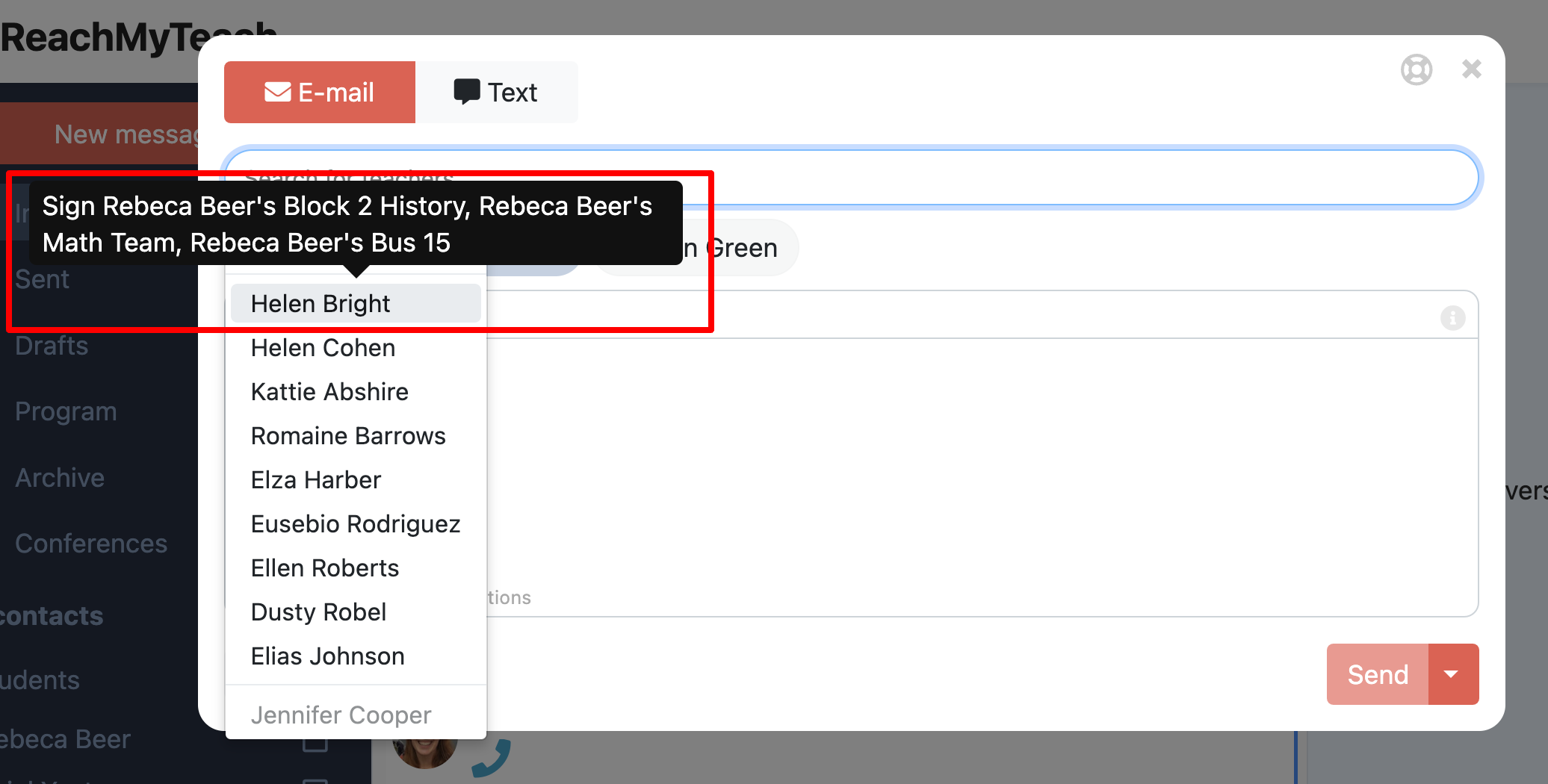
Choose which student you are communicating about and select the teacher you would like to reach, hover over the name to see the class name.
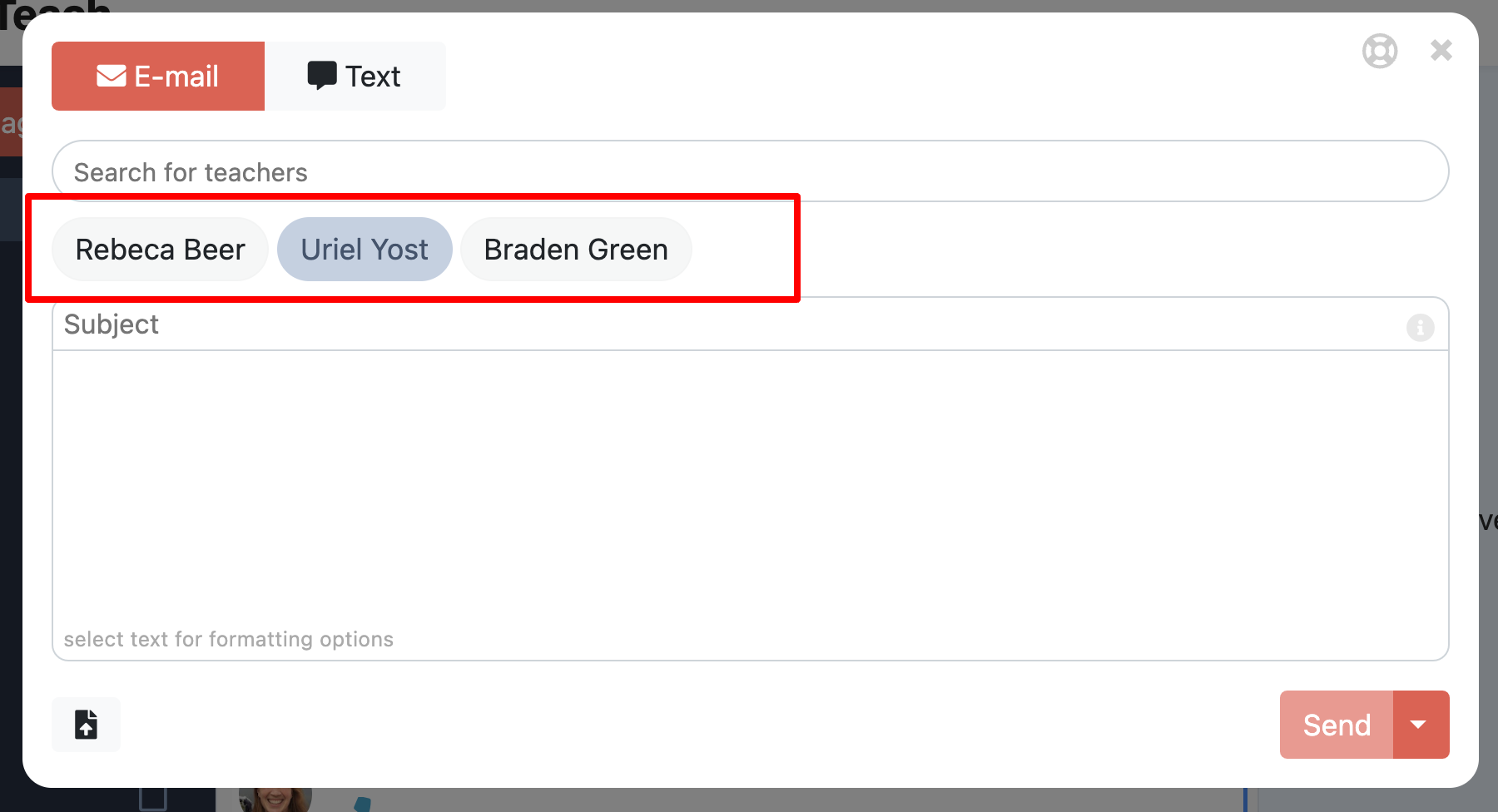
Then you can search or select any teacher you would like to message, and reach them immediately!
Was this article helpful?
That’s Great!
Thank you for your feedback
Sorry! We couldn't be helpful
Thank you for your feedback
Feedback sent
We appreciate your effort and will try to fix the article