ReachMyTeach automatically sends reminders to families about their upcoming conferences to ensure everyone stays informed and prepared.
- Families will receive reminders:
- One day before the scheduled conference
- One hour before the conference begins
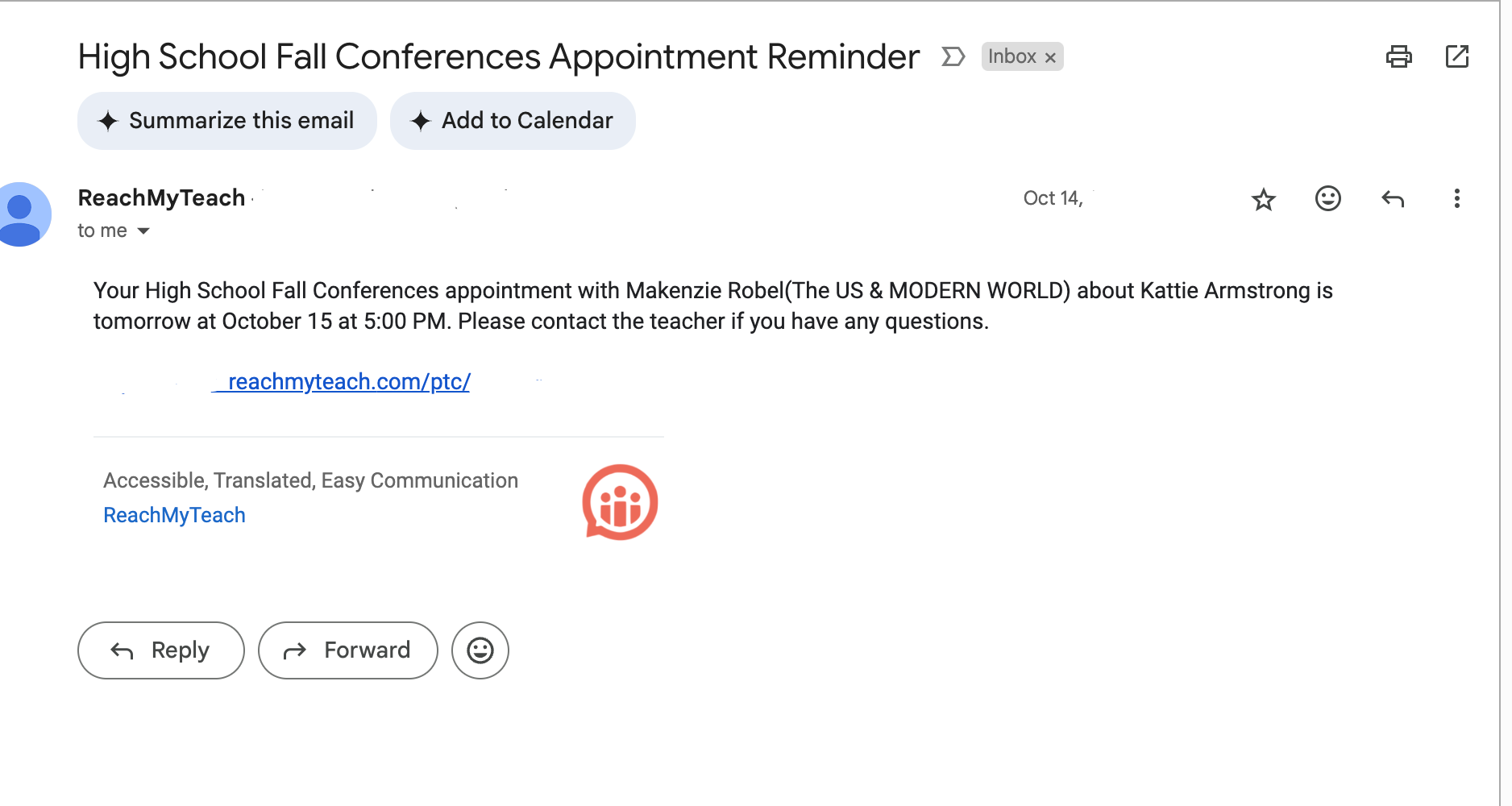
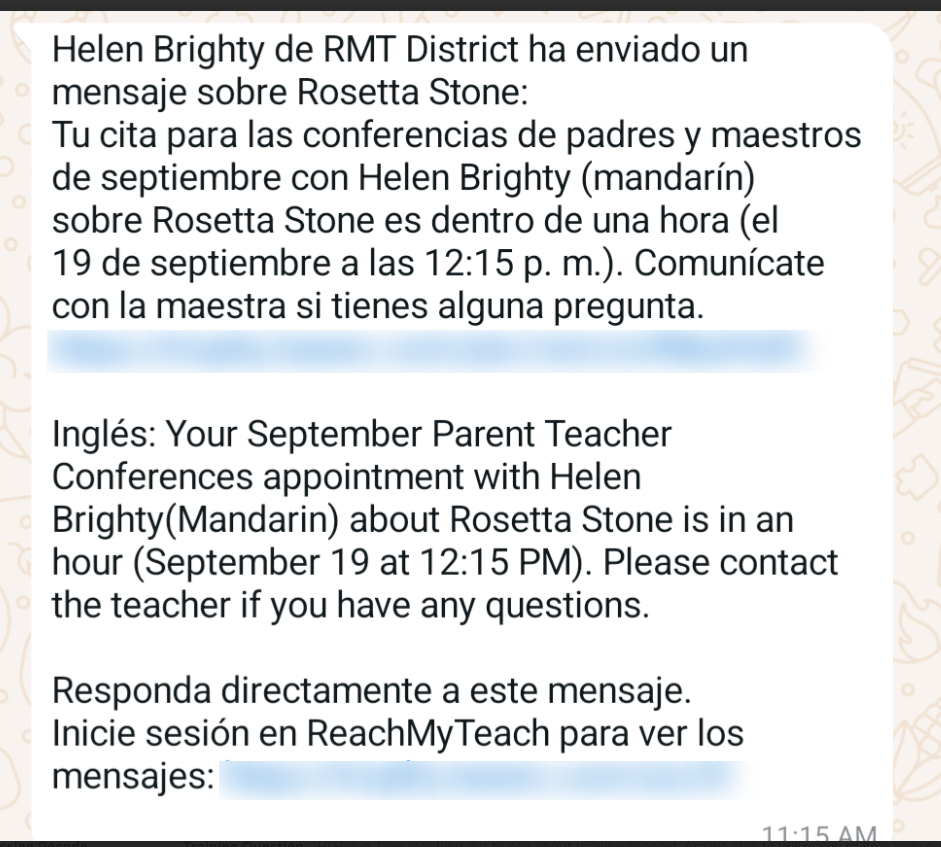
These reminders will be sent via text and email, helping to make sure important details are not missed.
To check or adjust your scheduled conferences, simply go to the Conference Folder in ReachMyTeach:
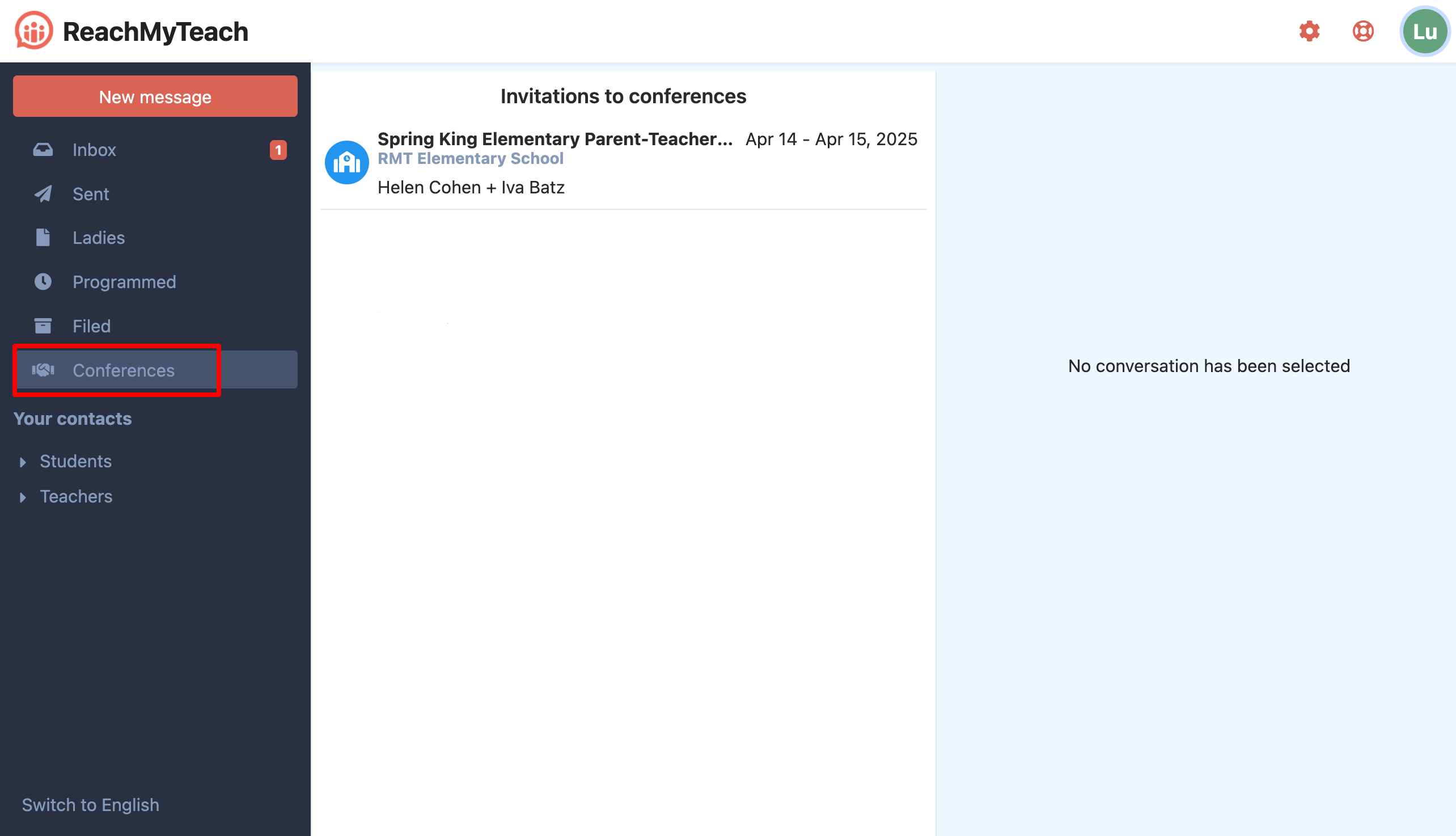
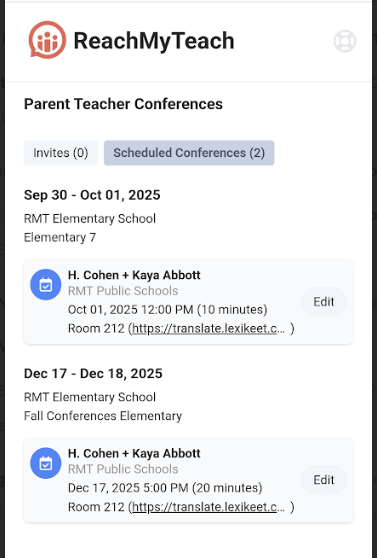
You can also click here, you can view your appointments, make any necessary changes, and ensure everything is set for a successful meeting with families.
Was this article helpful?
That’s Great!
Thank you for your feedback
Sorry! We couldn't be helpful
Thank you for your feedback
Feedback sent
We appreciate your effort and will try to fix the article