The staff contact information in ReachMyTeach is to ensure seamless communication between families and staff and school and staff.
Staff emails are used to ensure staff can login. They are also the primary mode of communication. All messages from families are also sent to staff emails, and staff can respond from their primary email as well as ReachMyTeach.
Staff phone numbers are never shared with families. Staff phone numbers are sent over in the sync, and are used for mass broadcasts.
To ensure you have all staff phone numbers, go to "teacher contacts" under the ID card icon.
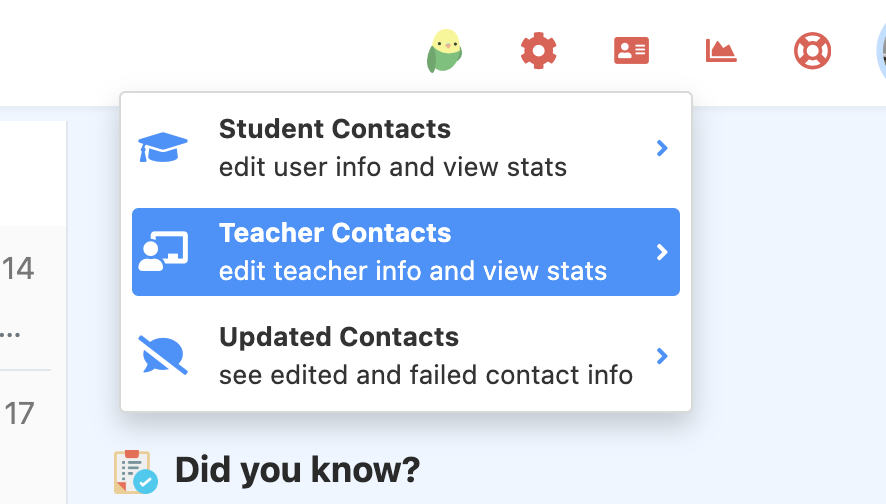
Here you will see all of the staff in your district or building and can sort by login, messages sent, etc.
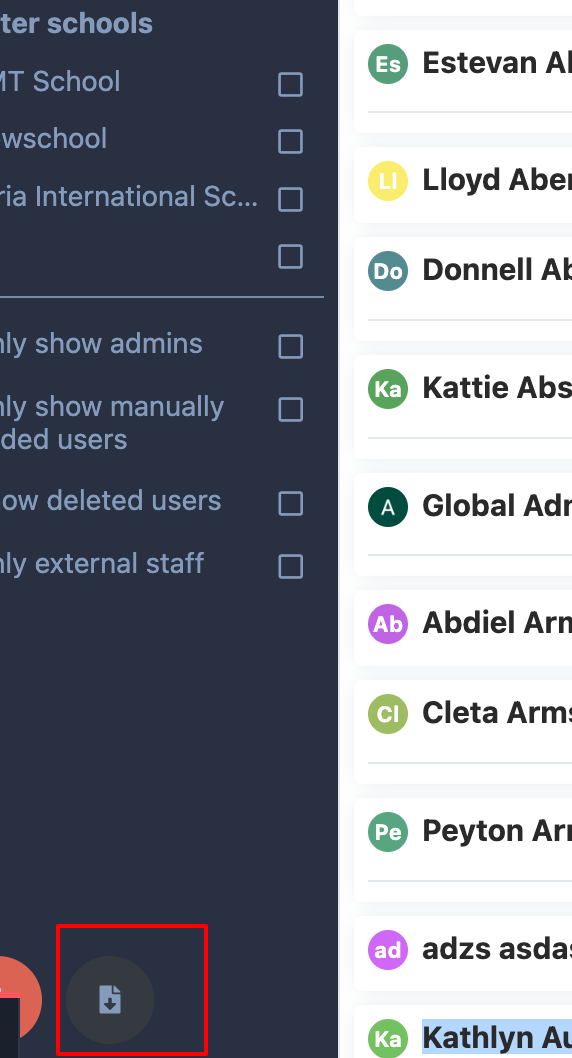
To review staff information in a spreadsheet, select the download button in the lower left.
To add staff or external staff click the links.
Was this article helpful?
That’s Great!
Thank you for your feedback
Sorry! We couldn't be helpful
Thank you for your feedback
Feedback sent
We appreciate your effort and will try to fix the article