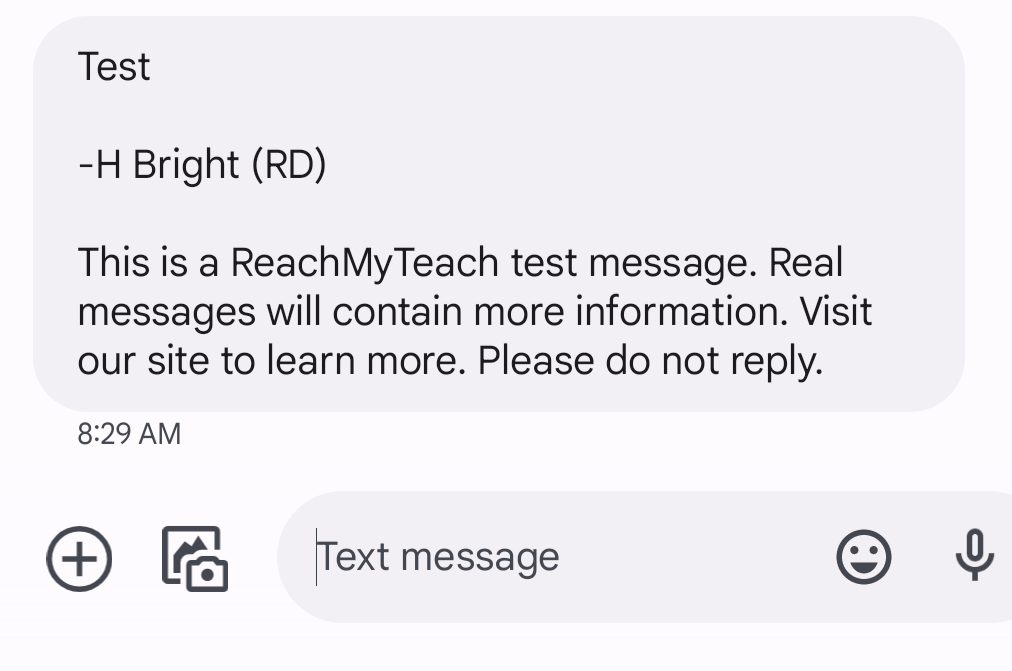
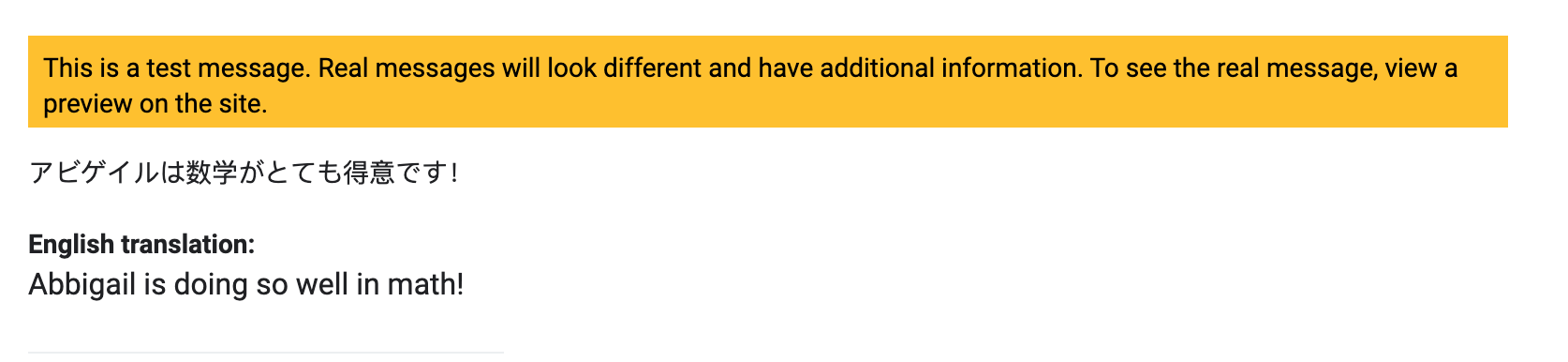
If you'd like to preview your message on your own phone or email before sending it to recipients, or you can send a TEST message by following these steps:
-
Select Your Recipients
- Choose the student and guardians you wish to message.
-
Draft Your Message
- Write your message and select whether it will be sent as an email or a text.
-
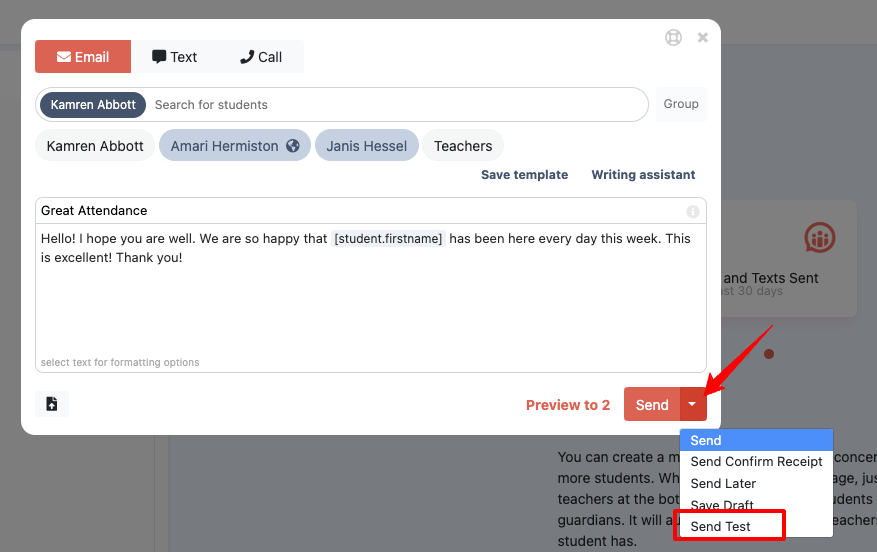
Choose "Send Test"
- Before sending, click the dropdown arrow next to the "Send" button and select "Send Test".
-
Input Your Test Details
- Enter your own email or phone number (or someone else's, if needed) in the field provided.
- Adjust the message language if desired.
-
Send the Test
- Click "Send" to send the test message.
Important Notes:
- Test messages do not go to the guardians. They are only sent to the email address or phone number you inputted.
- PDFs will NOT translate in a test message.
- Replies are not supported for test messages.
- The test message may appear in a simplified format, so focus on verifying the main content and layout.
Was this article helpful?
That’s Great!
Thank you for your feedback
Sorry! We couldn't be helpful
Thank you for your feedback
Feedback sent
We appreciate your effort and will try to fix the article