Message all of the multilingual families, or speakers of a specific language, by grade, school, or district, with precision by filtering message recipients based on language.
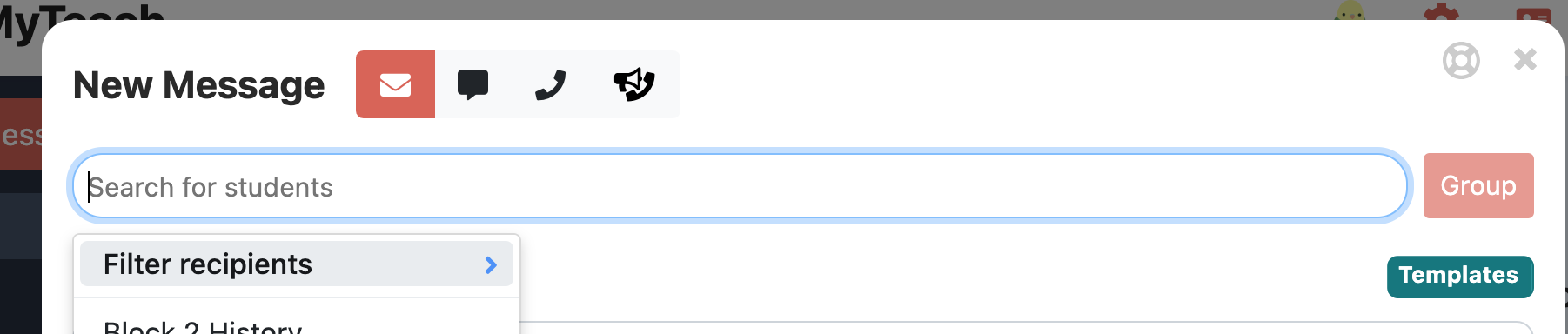
Begin by sending a new message, in the recipient selector choose "Filter Recipients"
You can refine your recipient list by first selecting the "all multilingual" filter, which will send messages to individuals who have tags indicating communication in languages other than English. You have the option to further narrow down your audience by specifying particular languages, schools, and grade levels. When you choose "any," you are selecting any individual who speaks that language from any school or grade level within the district or school. 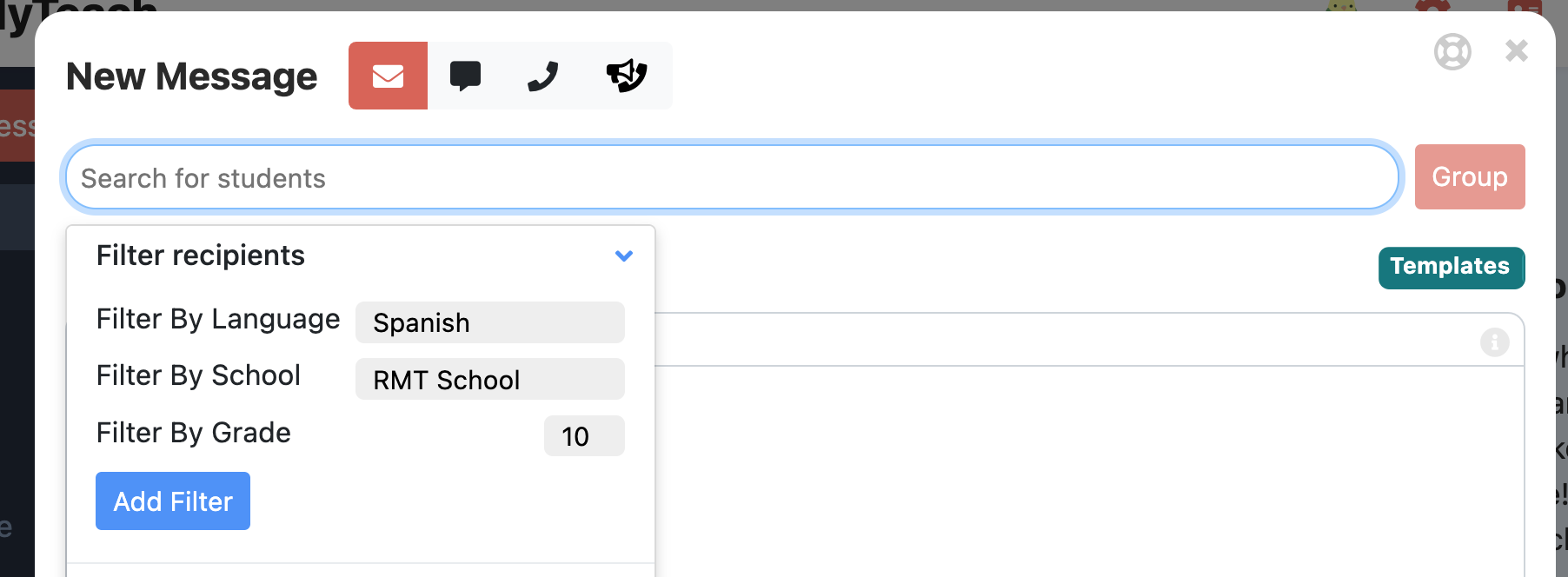
Be sure to select add filter. Compose your message, preview, and send!
Was this article helpful?
That’s Great!
Thank you for your feedback
Sorry! We couldn't be helpful
Thank you for your feedback
Feedback sent
We appreciate your effort and will try to fix the article