Using the right tool at the right time makes all the difference. The ReachMyTeach app is built for quick, on-the-go communication. The browser version is where you go for full visibility, data, and settings. If you're a teacher, principal, or office staff member, here's what to know.
Browser gives you the full toolkit.
App keeps you connected in the moment.
? Browser (Website)
For full access and oversight
Best for admins, office staff, or anyone who needs to manage contacts, monitor messages, or adjust settings.
In the browser, you can:
View your dashboard and communication data
Manage student and staff contacts
Search and review all school messages
Use and save message templates
Update settings and see integrations if your school uses A+
? Mobile App
For quick and easy messaging
Best for teachers who are on the move and families who prefer apps.
In the app, you can:
View your inbox, sent messages, drafts, scheduled messages, and archived messages
Send and receive translated messages
Access all your usual groups/teachers including classes and schoolwide groups
Communicate quickly during the day without needing a computer
The app does not include dashboards, message templates, or data tools. It is designed for fast, clear communication.
Families are never required to download the app.
ReachMyTeach always meets them where they are—whether that’s by text, email, or WhatsApp.
If they prefer, they can download the app to view and respond to messages all in one place.
? Download the App
Scan the QR code below to download the ReachMyTeach mobile app:
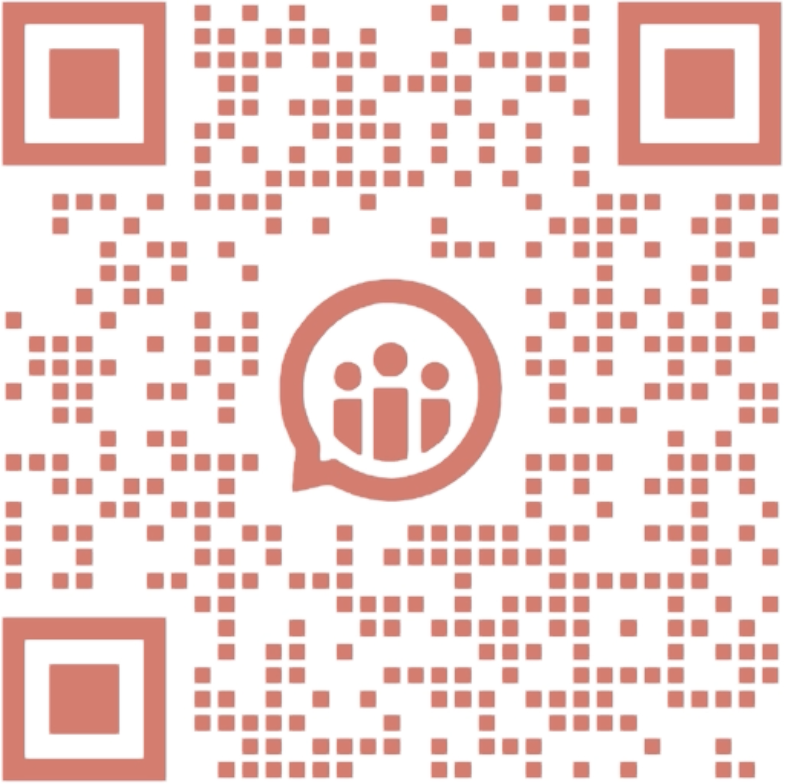
Or search ReachMyTeach in the App Store or Google Play.
Was this article helpful?
That’s Great!
Thank you for your feedback
Sorry! We couldn't be helpful
Thank you for your feedback
Feedback sent
We appreciate your effort and will try to fix the article