To cancel a scheduled appointment in ReachMyTeach:
-
Locate the Appointment: Go to the appointments screen where your scheduled appointments are listed.
-
Cancel the Appointment: Click on the red "X" next to the specific appointment you wish to cancel.

-
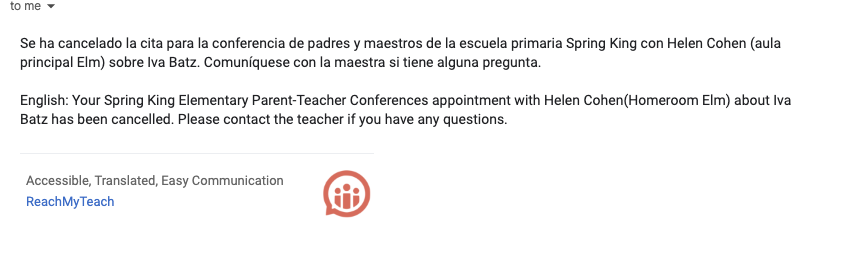
- Once canceled, an automatic notification will be sent to the family, informing them immediately of the cancelation.
-
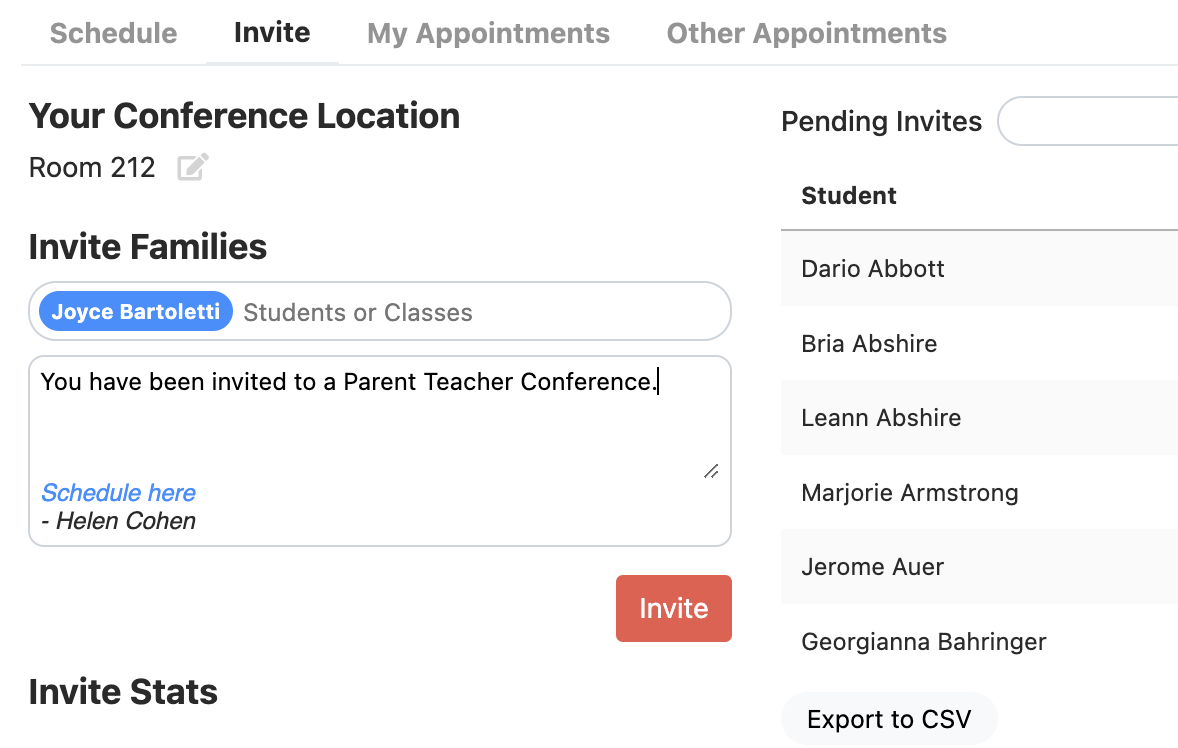
Reinvite if Needed: To reschedule, head to the Reinvite Screen. From there, you can send a new invitation to the family, allowing them to pick a new time for the appointment.
Was this article helpful?
That’s Great!
Thank you for your feedback
Sorry! We couldn't be helpful
Thank you for your feedback
Feedback sent
We appreciate your effort and will try to fix the article