Just like you can make selective times for ML conferences, you can do this for marking some times/days in person, virtual or both.
You need to create a conference first with all the days and times and SELECT Family Selct (both in person/virtual). Then
Go to your conference and click edit (in upper right).
Then, at the bottom there is a button Update Virtual/Inperson - select that:
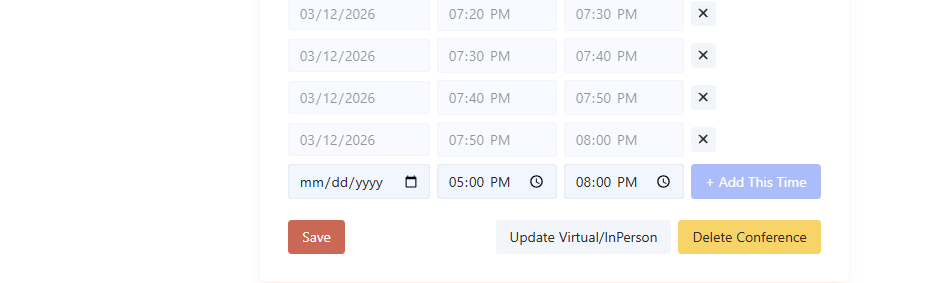
Update times as you would like:

Was this article helpful?
That’s Great!
Thank you for your feedback
Sorry! We couldn't be helpful
Thank you for your feedback
Feedback sent
We appreciate your effort and will try to fix the article