Monitoring Communications
As an administrator, you can monitor all communications within your building or district, depending on your permission level. This allows you to oversee messaging activity and ensure effective communication. You can assign different permission levels to educators or elevate them to admin status as needed.
- Viewing Messages
- Viewing District Usage Statistics
- Viewing Teacher-Specific Usage
- Downloading Messages
Viewing Messages
To see all messages being sent and received in your school or district:
-
Go to your inbox.
-
Click the "All" button (highlighted in yellow).

-
Use the Inbox tab to view incoming messages.
-
Use the Sent tab to view outgoing messages.
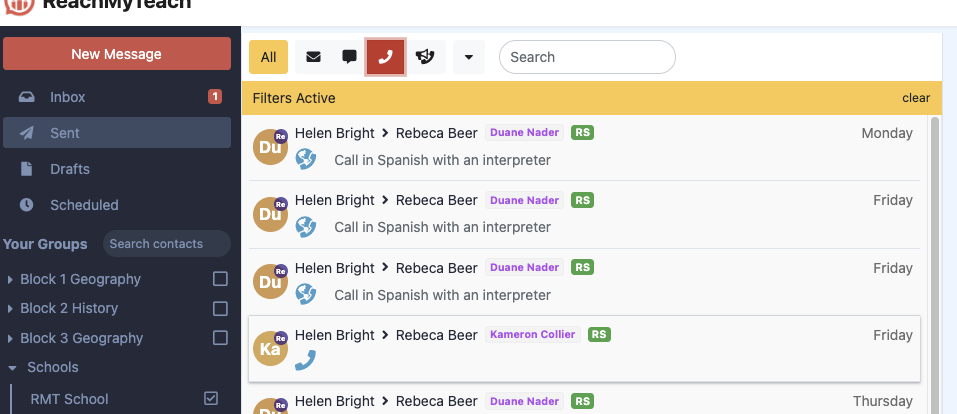
You can refine your search by using filters:
-
By Contact Type – Sort messages based on student, parent, or staff interactions.
-
By School – Select a specific school to narrow your results.
Click on a message and select Message Data to view details such as:
-
Recipient(s)
-
Translation status
-
Delivery confirmation
-
Read time (when available)
Viewing Usage Statistics
To see overall school or district usage:
-
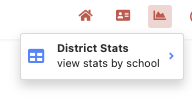
Click the Graph icon in the upper right.
-
Select "Stats" (your permission level determines whether you see school or district stats).
-
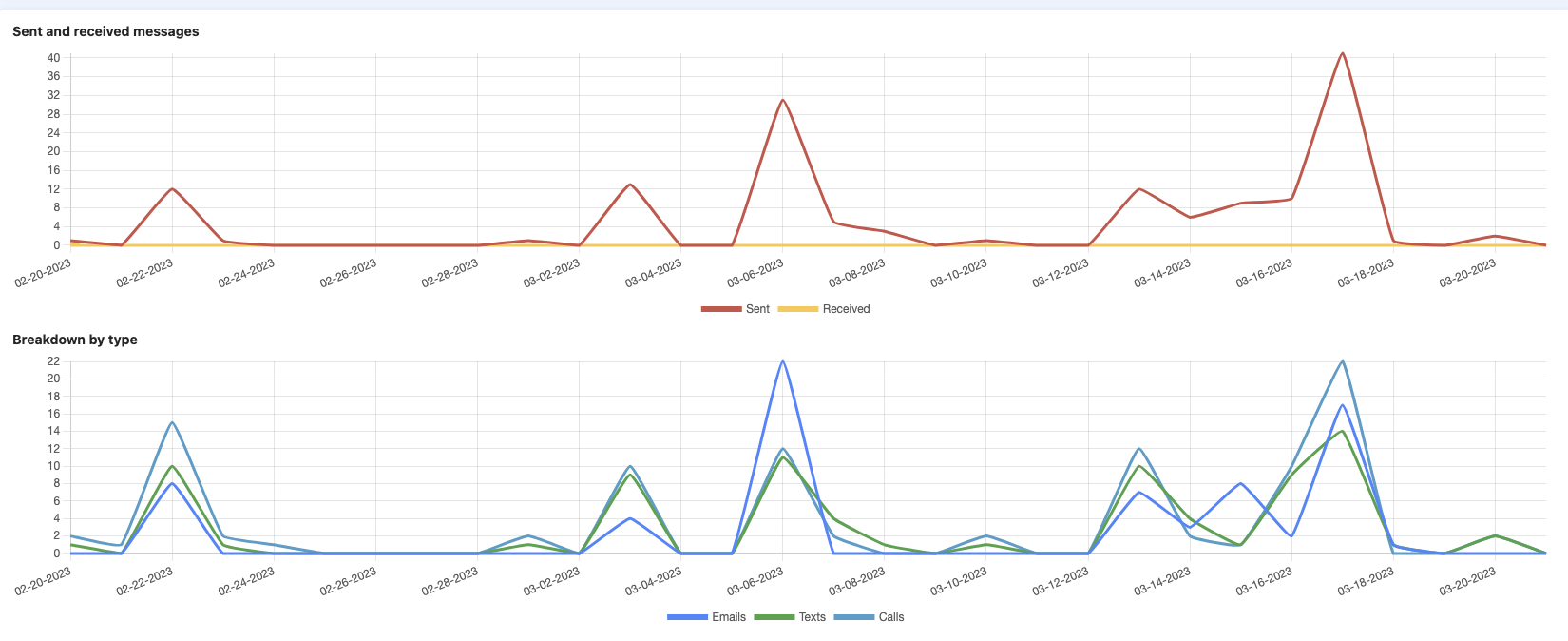
View the total number of messages sent/received by educators and families, as well as overall communication usage.
Viewing Teacher-Specific Usage
To see individual teacher communication activity:
-
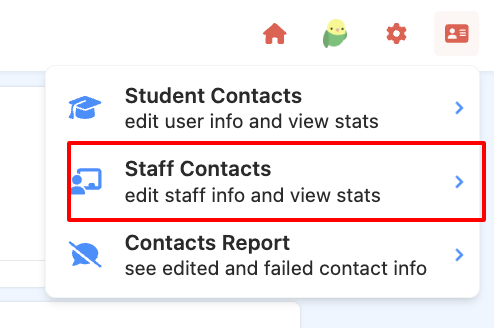
Click the ID Card icon in the upper right.
-
Select "Staff Contacts."
-
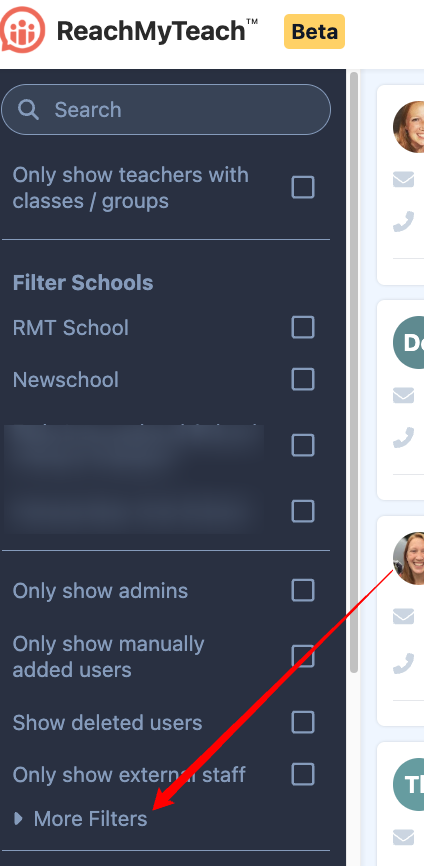
Sort by usage and logins by clicking the filters on the left hand side:
Downloading Messages
You can download messages as needed from ReachMyTeach. Click here to learn more.
Was this article helpful?
That’s Great!
Thank you for your feedback
Sorry! We couldn't be helpful
Thank you for your feedback
Feedback sent
We appreciate your effort and will try to fix the article