In your preference settings you will have the ability to update your contact information!
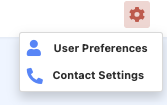
To view your preference choose the gear icon in the upper right. Select "User Preferences".
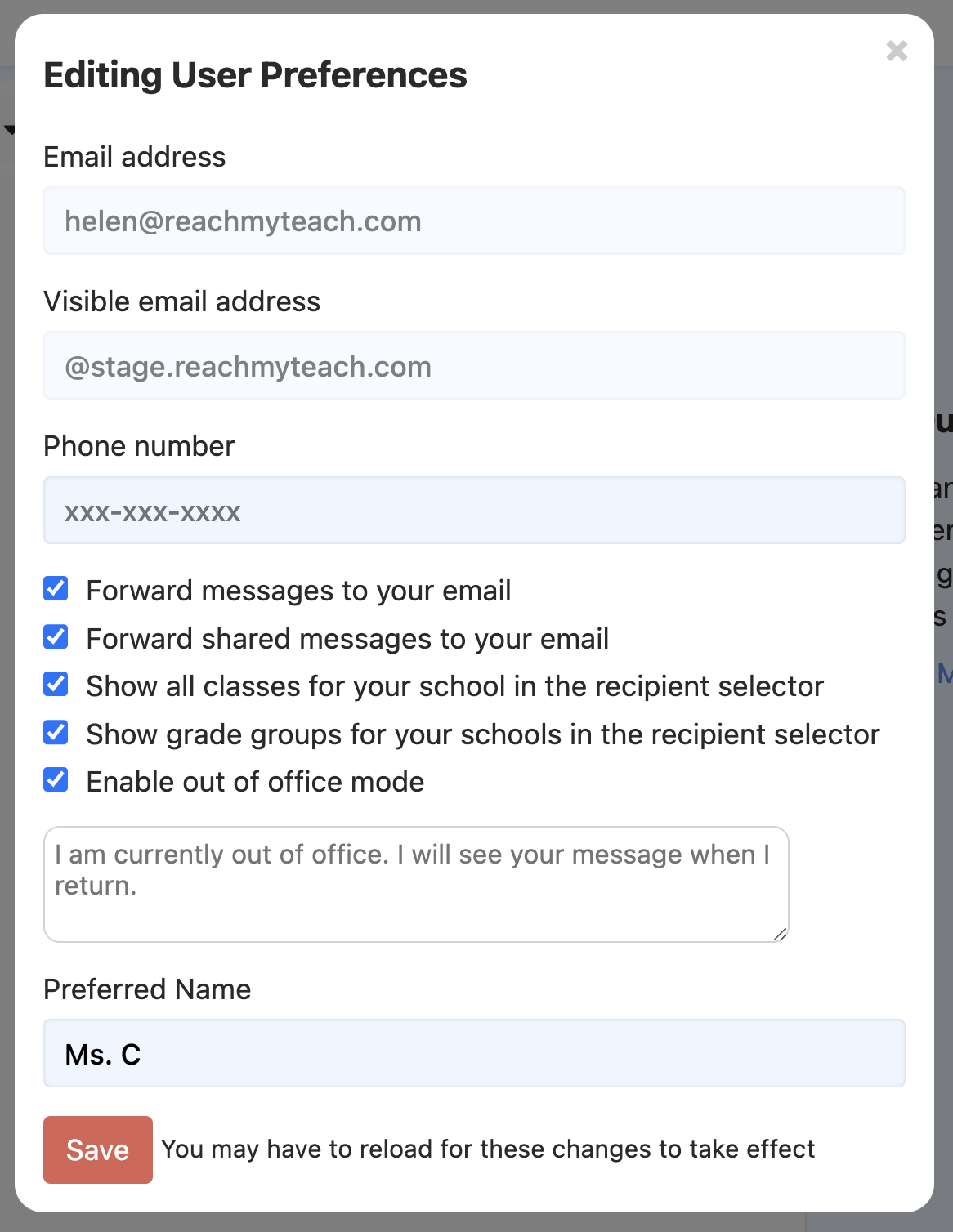
You can update:
Grade Groups/Classes
a. Show All Classes: Select this option if you want administrators to have the ability to message any class in the school.
b. Show Grade Groups for Your Schools: Opt for this option if you prefer administrators to communicate with specific grade groups within the school.
Admin can send messages to any class or grade in the school - but first they need to enable this option.
After configuring the settings, when you're ready to compose a message, you'll have the ability to search for any class or grade. It's important to note that class and grade names must precisely match the way they are listed in your school's class schedule from your Student Information System (SIS). For grades, a useful tip is to type in the grade name directly, such as "Grade 09," to quickly locate the desired recipients.
Contact Information
You will also be able to update your phone number. Your phone number is used solely for messages from your school (school closures, alerts, etc.) Families and students will not see your phone number. Update your number and click save.
Forwarding messages to your email, means that when a parent responds to one of your messages the response will be forwarded to your school email.
Preferred Name
You will be able to update your preferred name. Preferred name will be the signature to what is sent on all of your messages.
Learn more about Out of Office Responder here.
Was this article helpful?
That’s Great!
Thank you for your feedback
Sorry! We couldn't be helpful
Thank you for your feedback
Feedback sent
We appreciate your effort and will try to fix the article