Looking for messages from last school year?
Most student information systems (SIS) switch over to the new school year sometime between July and August. To view past messages:
-
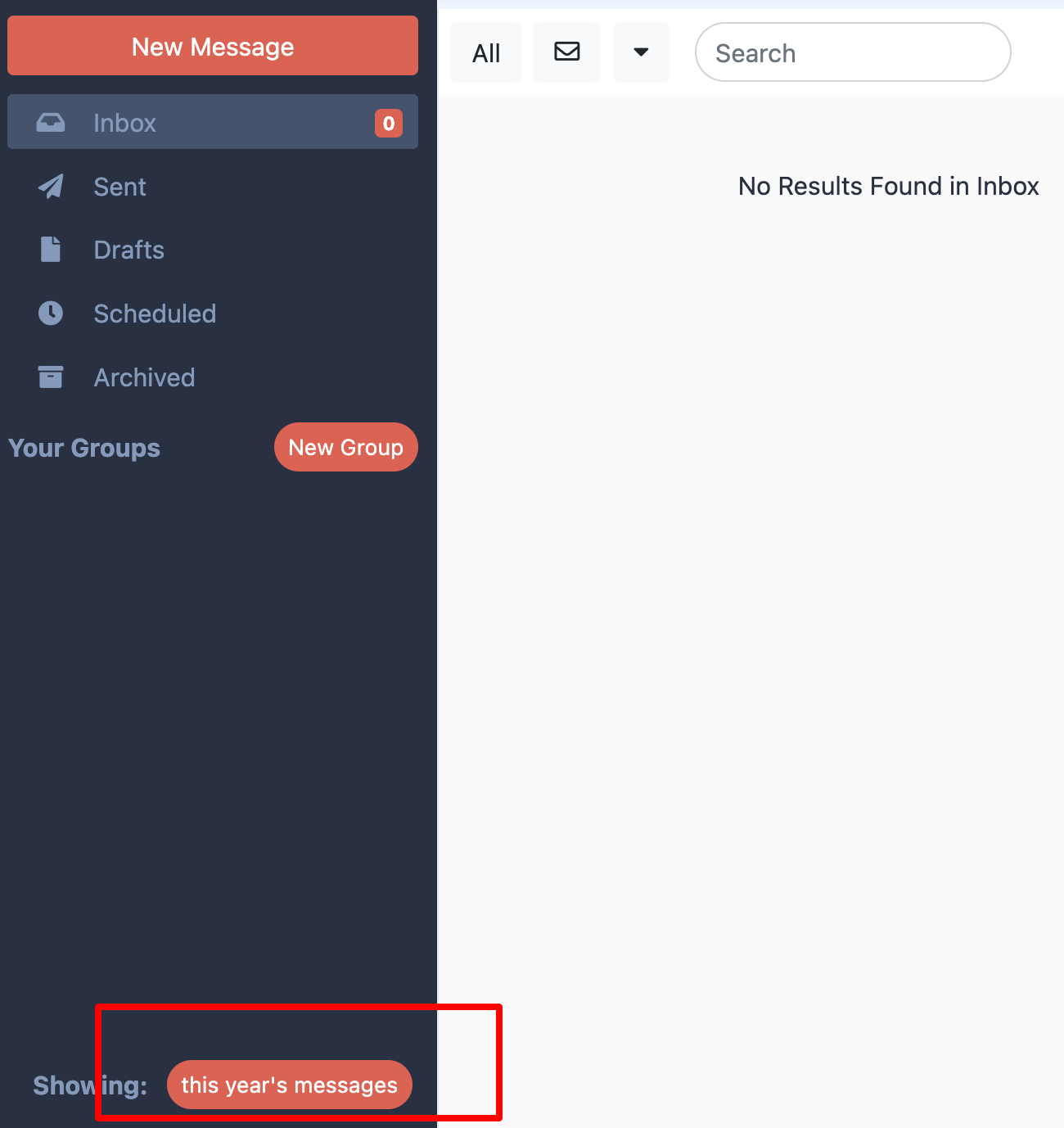
Scroll to the bottom of your message feed.
-
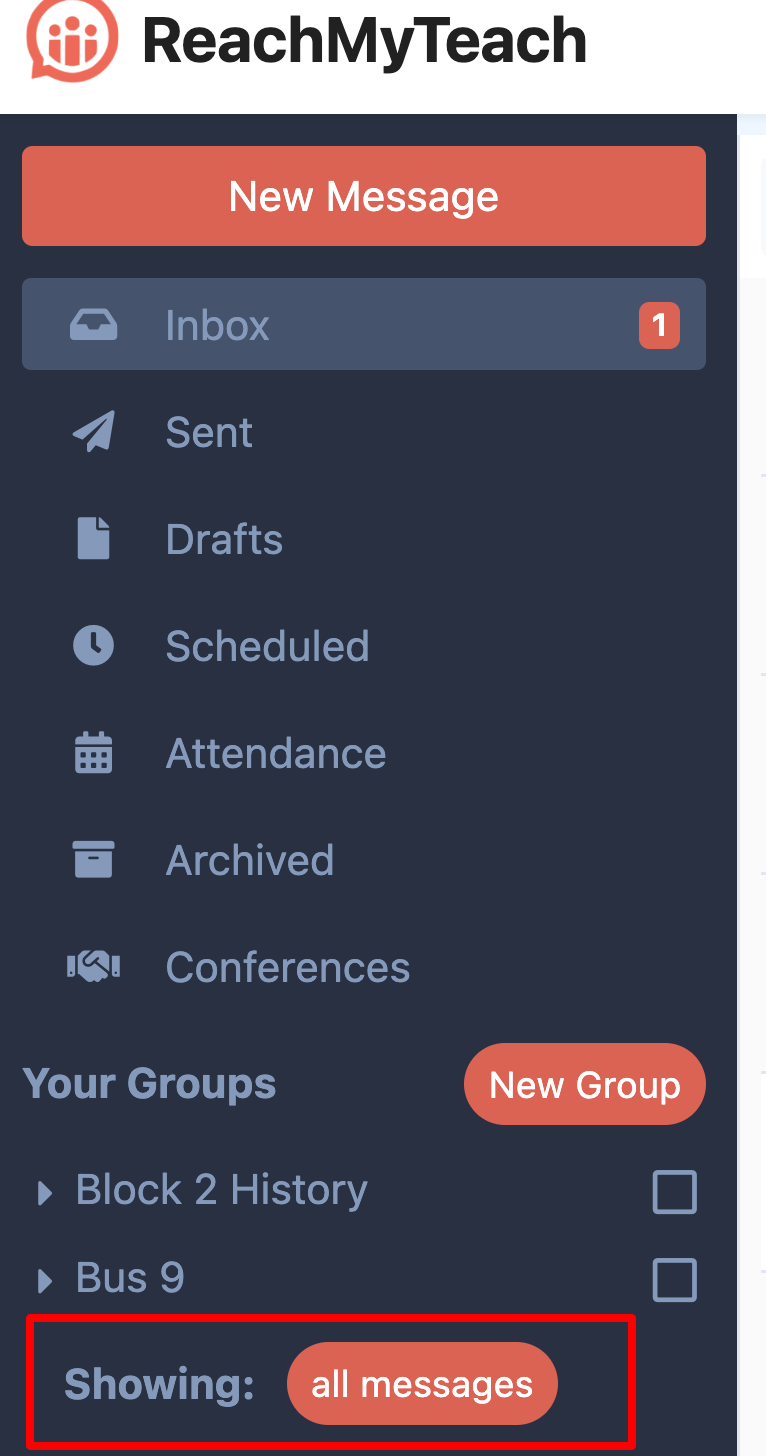
Click the red button labeled “Showing: This year’s messages.”
-
Switch it to “Showing: All Messages.”
Otherwise, enjoy the fresh start to your new school year!
Was this article helpful?
That’s Great!
Thank you for your feedback
Sorry! We couldn't be helpful
Thank you for your feedback
Feedback sent
We appreciate your effort and will try to fix the article