-
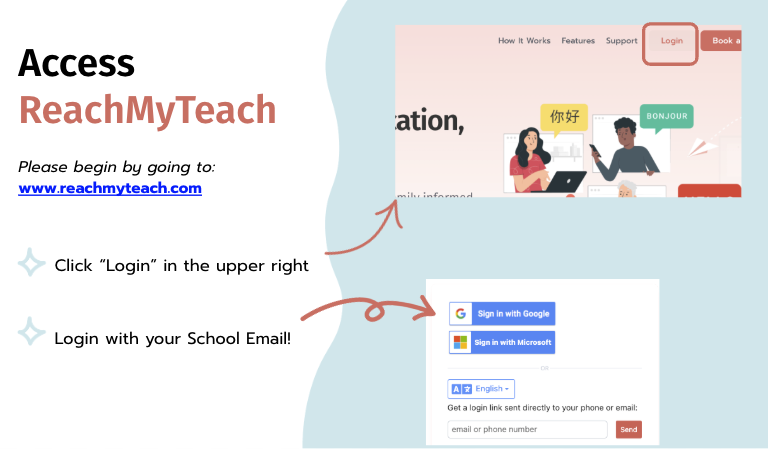
Go to the ReachMyTeach login page: www.reachmyteach.com/login
-
Use your school email to sign in.
-
If your school uses Gmail or Outlook, you can select those options directly.
-
-
Your student, teacher, and guardian contact information is already connected through your school’s SIS, so once you log in with your school credentials, everything will be ready to use.
- If you a guardian and a staff member, you can switch accounts easily.
Getting Started
We recommend completing the walkthrough popup to learn how to send your first message.
-
Click here for the overview — this guide walks you through sending your first message and shows what it looks like for families.
-
View more walkthroughs here for additional features and tools.
Was this article helpful?
That’s Great!
Thank you for your feedback
Sorry! We couldn't be helpful
Thank you for your feedback
Feedback sent
We appreciate your effort and will try to fix the article