Simplify your inbox clutter by archiving older messages. No message will ever be deleted; instead, it will be relocated to your archive folder.
To archive a message, simply select it. In the upper right corner, click on the grey box icon 
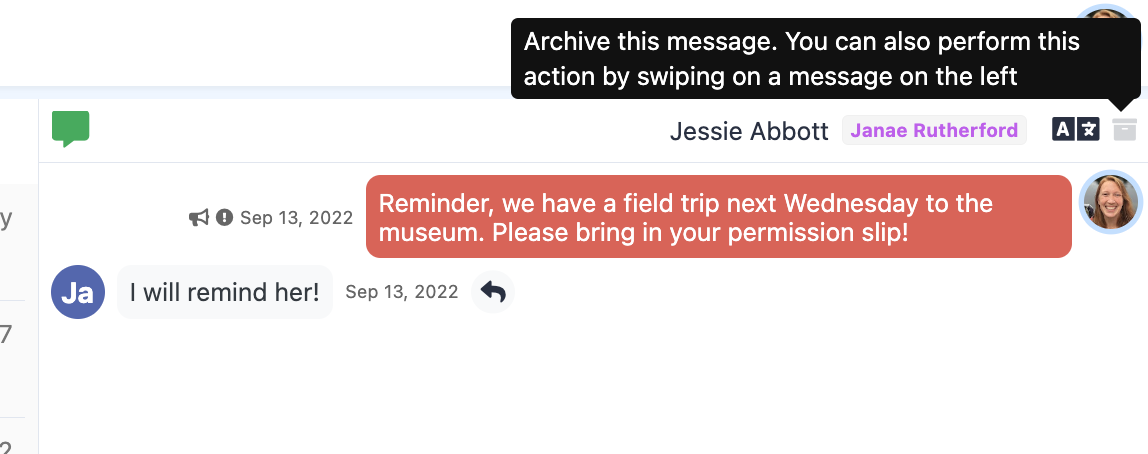
Your archived message will now be safely stored in your archive folder.

You can restore a message from your archived folder at any point by selecting the file icon.
Was this article helpful?
That’s Great!
Thank you for your feedback
Sorry! We couldn't be helpful
Thank you for your feedback
Feedback sent
We appreciate your effort and will try to fix the article