We are sorry for the inconvenience. There are a few steps that may be helpful to take.
- Be sure you haven't unsubscribed. If you unsubscribed, you can turn your emails/texts back on by going to www.reachmyteach.com/login Login with your email or phone number and click the gear in the upper right.
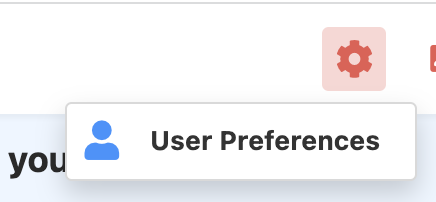
Then update your preferences:
-
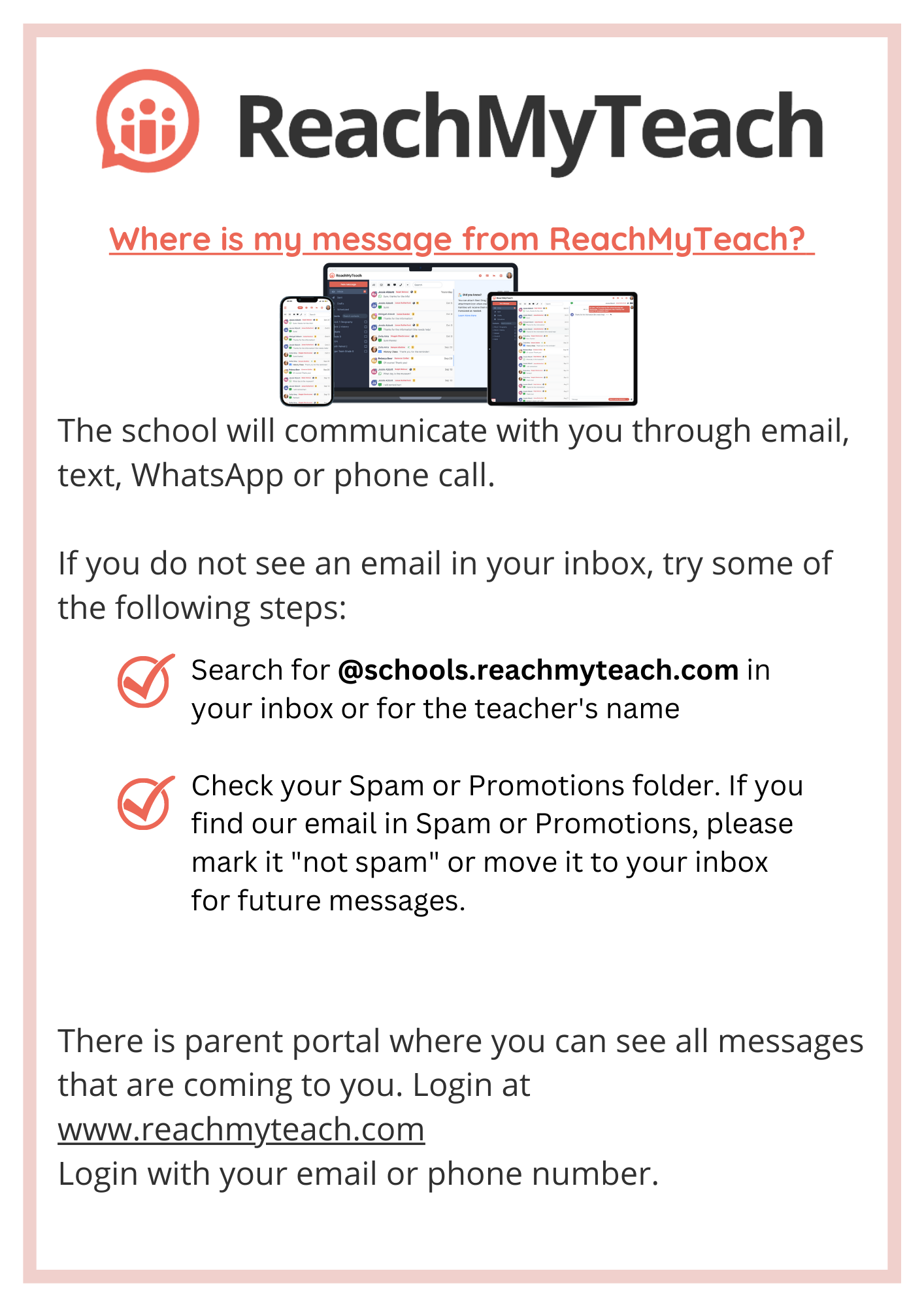
If you do not see an email in your inbox, try some of the following steps:
-
Search for @schools.reachmyteach.com in your inbox or for the teacher's name
-
Check your Spam or Promotions folder. If you find our email in Spam or Promotions, please mark it "not spam" or move it to your inbox for future messages.
-
Remember you can always see all messages by entering the parent portal. go to www.reachmyteach.com/login Login with your email or phone number.
Learn more about the Parent Portal here.
Was this article helpful?
That’s Great!
Thank you for your feedback
Sorry! We couldn't be helpful
Thank you for your feedback
Feedback sent
We appreciate your effort and will try to fix the article