Our survey module will allow you to add HTML content, however it will take some knowledge.
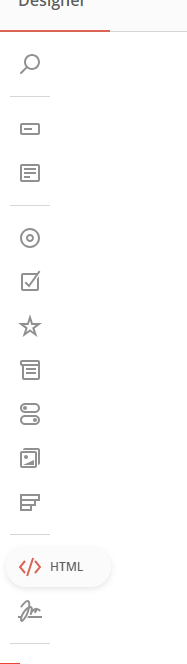
1. In your survey, click the HTML block and move it to where you want:
2. Then show panel on the right side:
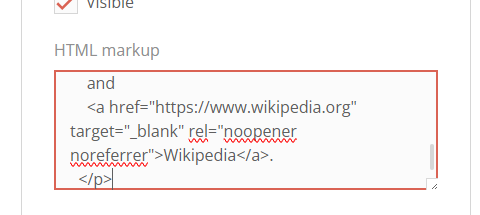
3. Now select your html block and put some html code:
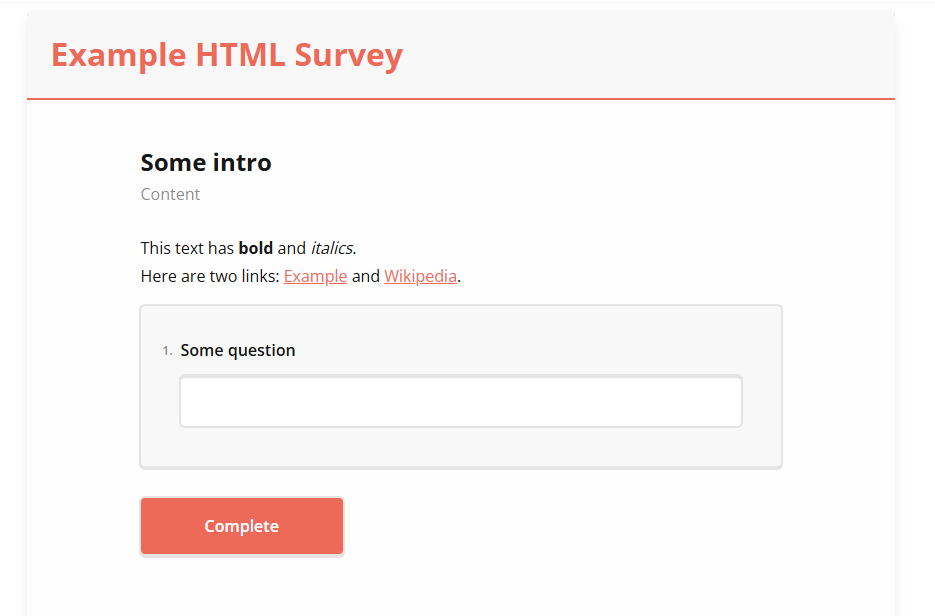
4. Now your survey should have some html content:
Was this article helpful?
That’s Great!
Thank you for your feedback
Sorry! We couldn't be helpful
Thank you for your feedback
Feedback sent
We appreciate your effort and will try to fix the article