ReachMyTeach will automatically translate documents up to 12,000 characters. However, there may be times when you want interpreters to review documents or need legal documents translated.
To do this, your district needs to have Lexikeet access.
In the upper right select the Lexikeet Parikeet icon and click upload file. This will push, and create if you do not have one, you to your Lexikeet account. There you will follow the steps to upload the document. Once uploaded you will get an email when your document is complete and you can download it from the email!
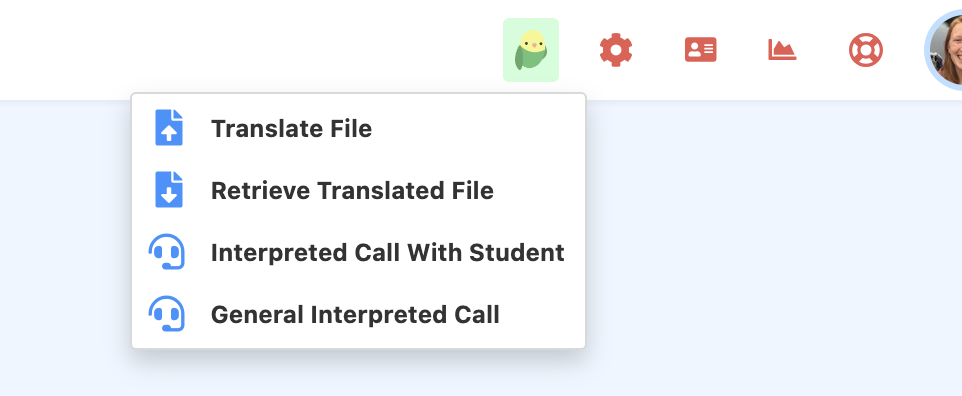
To see all past translations you can click "Retrieve Translated File"
Was this article helpful?
That’s Great!
Thank you for your feedback
Sorry! We couldn't be helpful
Thank you for your feedback
Feedback sent
We appreciate your effort and will try to fix the article